The Essential Security Checklist for Remote and Hybrid Workforces
The New Office: Highly Effective, Highly Exposed
The office boundary is now gone. Your data is no longer safe behind a firewall in one building; it travels with employees to home offices, coffee shops, and anywhere they log in. This shift to remote work has been excellent for both productivity and employee satisfaction. However, it has completely broken traditional security models. Every employee device and home network is now a potential entry point for hackers. The challenge is clear: how do you manage and secure sensitive data when the physical workplace has vanished?
The Core Problem: The Unsecured Home Router
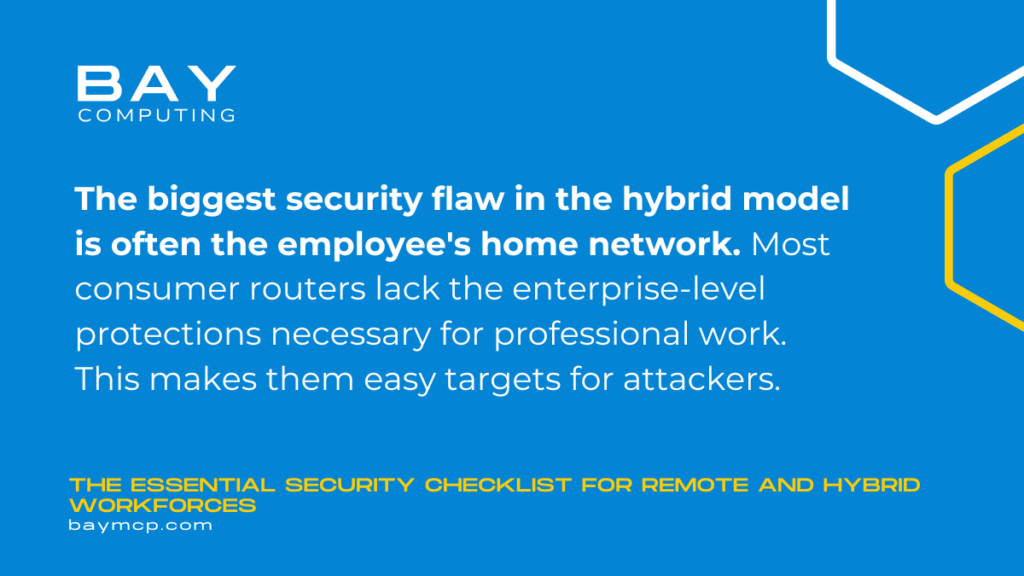
The biggest security flaw in the hybrid model is often the employee’s home network. Most consumer routers lack the enterprise-level protections necessary for professional work. This makes them easy targets for attackers. When an employee connects their work laptop to a network shared with smart TVs and personal devices with weak passwords, the risk multiplies instantly. That’s why securing a remote workforce begins not just with the laptop, but with securing the connection itself.
Security Mandate 1: Control the User
When there are no physical doors, the only sure thing is who is logging in and what they can see. Identity is the new security perimeter. You must control access with absolute severity.
- Enforce Multi-Factor Authentication (MFA): This is non-negotiable. MFA requires the user to prove their identity using at least two methods (e.g., password plus a code from an app). Essentially, MFA stops almost all account hijacking attacks.
- Use the Principle of Least Privilege (PoLP): This rule states that users only access the minimum they need for their specific job. A sales representative does not need access to HR payroll data. As a result, if a sales account is compromised, the hacker cannot roam freely across sensitive files.
Domain of Control 1: The Endpoint
The endpoint, which refers to the laptop, phone, or tablet, is the physical tool that holds your data. This is why you must lock it down and monitor it closely.
- Implement Advanced Endpoint Detection and Response (EDR): Simple antivirus software is outdated. EDR tools constantly monitor devices, looking for strange behavior, like a program trying to encrypt files or access unusual system parts. In fact, EDR can detect and stop an attack while it is happening.
- Centralized Patch Management: All devices must have the latest security updates. An unpatched operating system is like leaving a door wide open. For this reason, your security platform must be able to send updates to remote devices automatically and confirm their installation.
- Encrypted Hard Drives: If a work laptop is lost or stolen, you must fully encrypt its drive. Otherwise, a thief could simply pull out the hard drive and access all your data. Encryption makes the data unreadable without the correct key.
Domain of Control 2: Data Transport
You must assume the network connection is unsafe. Security must focus on protecting the data itself, not just the connection.
- Mandatory VPN Use: A Virtual Private Network (VPN) encrypts all data traveling between the remote device and your corporate network. This means that even if a hacker monitors the employee’s Wi-Fi, they only see mixed-up, unusable traffic.
- Cloud Access Security Broker (CASB): When files move to the cloud (like Microsoft 365 or Google Drive), a CASB works as a gatekeeper. It monitors data activity. It ensures files do not download to an unmanaged personal device. In short, it gives you a clear view of data flow outside your local network.
Security Mandate 2: Train the Human Firewall
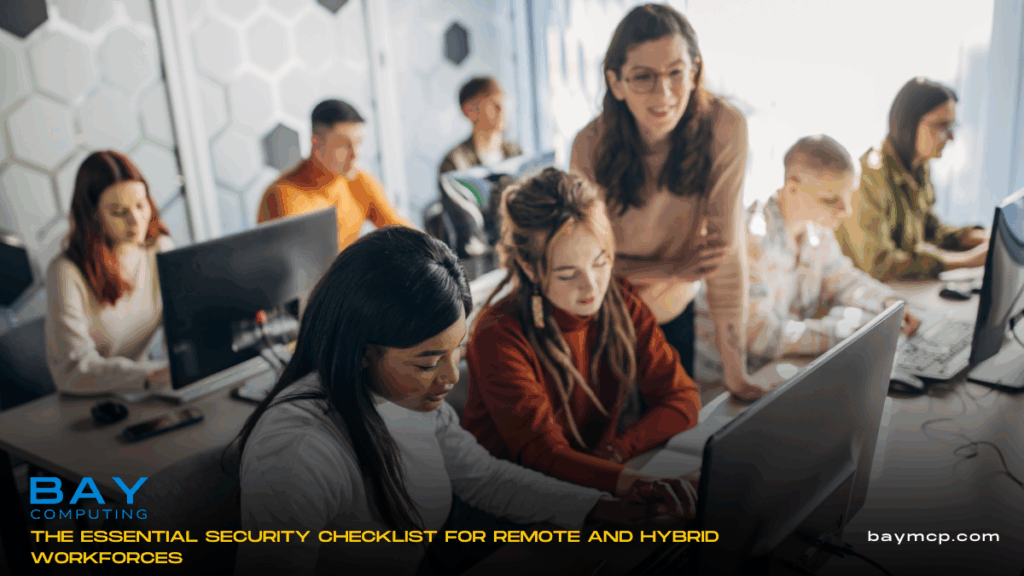
No technology can truly fix human error. The employee is your first line of defense, but on the flip side, they can be your biggest weakness. Regular training is vital to transform users into smart security guards.
Training should focus on:
- Spotting phishing emails and text messages.
- Understanding the dangers of public Wi-Fi.
- The protocol for reporting a lost device or suspicious activity immediately.
At the end of the day, security is a shared responsibility that requires continuous education, not just an annual reminder.
Partnering for a Secure Future
Managing security for many remote sites takes specialized tools and attention around the clock. Many growing organizations, especially in areas like Boston and across Massachusetts, do not have the time or staff to handle this strict checklist alone.
Bay Computing offers proactive, comprehensive cybersecurity and Managed IT Services. We set up, manage, and watch all the essential tools—from MFA to EDR. We ensure your hybrid workforce is secure and follows compliance rules. For example, we deliver proactive solutions that protect your data. This ensures your team can work safely and efficiently from anywhere.