
Home / Blog
Insights to Keep You Ahead
Practical IT, security, and cloud guidance for Bay Area business leaders.
-
What Is IT Security: Protecting Digital Assets
Safeguarding information is more important than ever. Information technology security, commonly referred to as IT security, is the practice of…
-
What Is IT Service Management: Key Concepts and Benefits
IT Service Management (ITSM) is a strategic approach to designing, delivering, managing, and improving the way businesses use information technology.…
-
Data Loss Prevention: Essential Strategies for Modern Enterprises
We all fear failure. And for those of us working in technical IT support, the two words which immediately strike fear into even the hardiest of souls are – Failed Array
To explain what a failed array is you first need to know a couple of things about computer servers.
And to get us started, let’s answer:
What Is An Array?
An array is a series of hard drives that can be combined in multiple ways to appear as a single large drive. Unlike most desktops, computer server systems often have two or more hard drives attached to them in what are then called redundant arrays, or more commonly:
RAID (Redundant Array of Independent Disks)
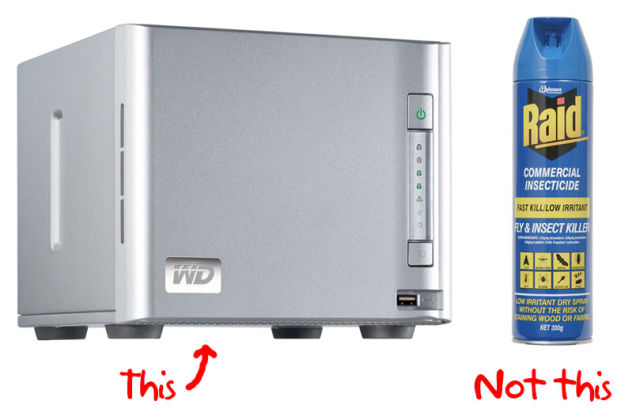
Now RAID started out as “Redundant Array of Inexpensive Disks” at a time when hard drives:
- Were more expensive
- Had less data storage capacity
- Lacked failover protection/ fault tolerance
Because of these factors, RAID systems were first created using multiple inexpensive hard drives into single, more powerful, and faster volumes. Even more importantly, the design of RAID systems enabled redundancy as a protection against single points of failure.
For example, if you have two 1 Terabyte (Tb) hard drives in what is called a Raid 0, those two individual drives will appear as a single 2Tb drive.
1TB + 1TB = 2TB.
While the ways in which you can assemble a RAID system vary depending on what your business needs are and how much your business has budgeted, outside of RAID 0 (single volume), the end results are nearly always seeking to serve the same basic purpose.
Which is to serve as a nice large drive that your business network can see and use to fulfill your data redundancy and performance needs.
That is of course, until something goes wrong.
It should be noted- Just as an array can be configured in countless different ways, there are also many different ways in which they can fail.
The most common problems usually involve a hard drive failure of some sort, which is why any reliable IT provider will always push you to incorporate data redundancy into your computer networks and technologies.
Whenever a hard drive failure does happen, having a local Bay Area IT services team ready to provide you the technical support your desperately need is key.
Not only will they be able to hit the ground running (by being familiar with your business IT setup) but it is their job to stand between you and the dreaded monster called… DATA LOSS (cue appropriately ominous music).

Data Backups: The first and most important step of file maintenance
The very first way in which we handle IT work to help maintain all of your files is through backups. If you ever work with an experienced IT professional, chances are you’ll often hear the battle cry, backup, backup, BACKUP!!!
Data backups can be accomplished through a number of different methods, but the first step is dictated by the demands of your business needs, followed by the relative size of the budget that your company has available.
Depending on which data backup options are available, the means of backing up can be as simple as copying data from one hard drive to another (often known as data replication) all the way up to advanced virtualization and the replication of your data to multiple locations (known as data redundancy and replication).
So what happens after you realize that one of your files is corrupt?
With the right backup and data recovery solutions in place, the emergency which previously would have spelled disaster and mayhem is suddenly tamed when you can just call your IT services provider.
Having data backups in place allows you to avoid the irreparable damage of a data loss event. With a pre-planned data recovery solution, you know that your IT support team has reliable access to your most recent backups and can restore your data to where you need it to be.
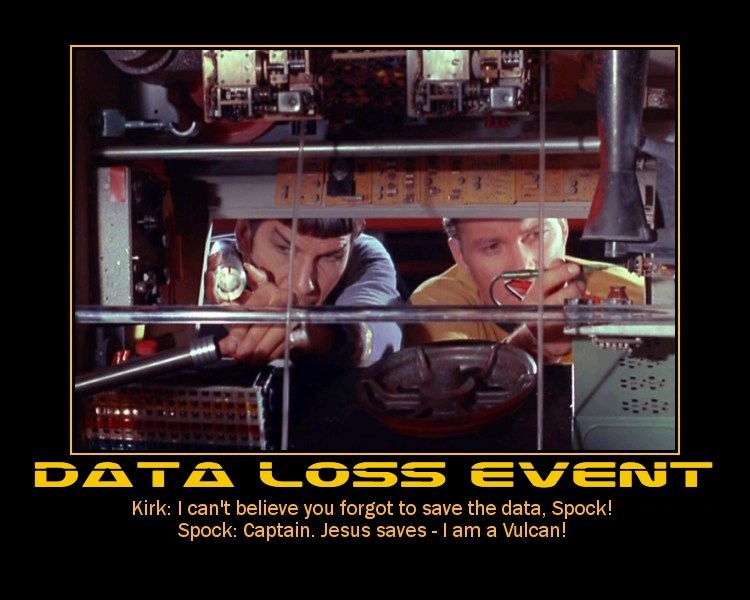
How Does An Array Fail? Why Does An Array Fail?
Now after we have retrieved the files that you need, it’s on to step two: Finding out why your array failed.
As I stated previously the most common and dastardly ways that an array can fail is through simple hard drive failure. Most server hard drives spin at over 10,000 RPMs a figure most sports cars would envy. When they spin so fast, any bump or collision with the server can cause over 250 of G-force damage.
Context: If you or I were to suddenly encounter 250 G’s we would instantly be turned into pudding. Now if your business is lucky (e.g. well prepared and well-funded), hard drive failure can sometimes be as simple a matter as changing out the drives which are indicated by the red lights on the front of your server.
Yet occasionally, it isn’t so easy.
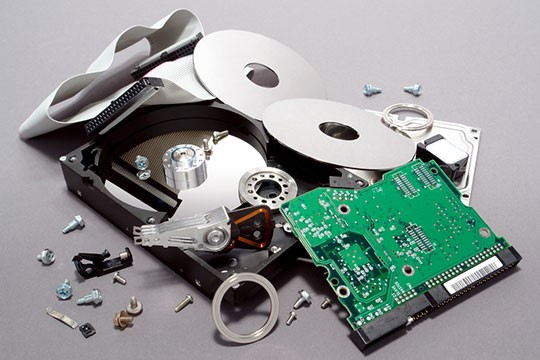
I still remember one instance where I was working with a client who had a server that didn’t have the normal, nice, clear and easy indicator lights to tell us which drive was failing.
After polling the backups and getting the data in a safe state, we had to go through and manually determine which drive was failing.
The problem with this is, if you pull the wrong drive, you can destroy the array entirely. Basically, this turns a relatively simple job of changing out a hard drive, into a task more akin to trying to decide which wire to cut before the bomb goes off…

So the first thing that I did (after creating yet another tertiary backup) was to go into the bios of the computer and see if there were any clues there.
After that failed, we were able to run a utility built into the server which scanned the array and told me which drive wasn’t responding properly.
Using this new information, I was able to carefully trace each connection on the server to each drive and with a magnifying glass, then look at the labels on the motherboard.
After all of those steps and extra precautions, I finally found the path which led me to the correct drive.
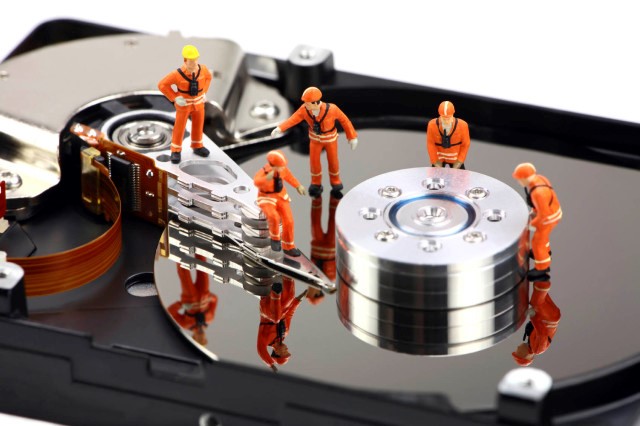
Now once the failed drive was identified and located, it was simply a matter of replacing the drive and rebuilding the array (And then of course, creating yet ANOTHER backup.)
While we were able to fix all of the problems involved and get the client under way with the minimum level of downtime possible, the true hero of this story still is and will always be the backups that we had implemented.
Without those data backups, each and every step we took, including merely scanning the hard drive, would have run the risk of permanently destroying the array and losing years of work.
Long story short, we’re back to the battle cry: Backup, Backup, BACKUP!!!
Find yourself wondering if your company’s your data backups and data recovery options are enough to keep you safe?
Feel free to Contact Us with any questions you may have about RAID, backups or redundancy options at 925.459.8500!
-
Ransomware Attacks on Police: Cybersecurity Threats
Megacode Malware Takes Hold Of Police Servers
As the ransomware problem heats up, even police servers aren’t safe!
Just a few weeks ago, Megacode cryptoware brought down four police offices and a sheriff’s department with a server attack and put sensitive personal and police data at risk. It’s no longer just private businesses who choose are affected by online ransom demands when it comes to ransomware, and even the police are starting to give in.
Businesses without the right IT support often get hit the hardest because they are:
1.) Missing the Right Guidance: Navigating in the Dark
Without regular technology advice or the manpower to implement the right IT security solutions and safeguards- It’s no coincidence that the police departments hit by the Megacode malware attacks were small to midsize offices.

Similarly, if your organization has been scraping by with ad-hoc technology and doesn’t have regular IT support and guidance, many task items and issues can easily fall through the cracks.
Your company teams focus in on keeping clients happy and getting their best work done on time. So when it comes down to choosing between helping a distressed customer or going through an antivirus update, chances are those small but critical details easily get pushed aide.
Decision Paralysis: Too Many Choices, Too Much Technology
Finding the right security solutions to suit your business needs can be extremely overwhelming when you are faced head-on with the endless variety of options on the market. Without a trusted IT firm to provide guidance, many organizations find themselves putting off the implementation of security solutions when it can “wait until tomorrow.”
Throw in all of the tasks necessary to maintain your office technologies, and it’s easy to see why many cybercriminals are increasingly targeting local businesses throughout the Bay Area.
Without the help of the right outsourced IT team, the police departments quickly found themselves struggling to fight back against Megacode attacking their networks and holding their servers hostage.
2.) Don’t Forget to Lock Up! Unaware Users Invite Attacks
Your users strive to help your business grow, and as they stay focused on your success, they may unknowingly be enabling the very cybercriminals who are constantly fighting to take your IT systems down!
Having the appropriate policies in place (for example, implementing BYOD policies), working with a regular computer and IT support provider and making tech help training materials from your help desk readily available can all help your organization cut back on user error related vulnerabilities and greatly decease the number of strategic mistakes made in daily operations.
When it comes to your business and office technology, think of things this way:
“It’s like a jail- it’s very safe and secure, but that can mean nothing if you leave the door unlocked”– Sheriff Brackett, victim of Megacode
3.) Spotting An Attack: Where There’s Smoke, There’s Fire
Users Need to Know How to Recognize When Something’s Wrong: It’s the only way to stop attacks
Ask your IT firm to provide you with the training materials and quick-reference information necessary to make sure your users know how to recognize malware attacks.
This is essential to keeping attacks from spreading
As soon as any device on your network has been infected it is absolutely crucial that your employees and management team be able to recognize
As Soon As They Happen –> Which enables faster response times and gives IT support teams the chance to minimize/ stop the damage from getting worse
4.) Data Recovery: Bulletproofing Your Business Data
Without data recovery options, organizations such as the Lincoln County Sheriff’s Office are faced with the touogh choice of having to either pay up or start over from scratch. Don’t let this be you!
Your people are there to focus in on what an antivirus goes out of
Without proper IT support, many businesses…


- « Previous
- 1
- 2
- 3
- 4
Accelerate Your Vision
Stop juggling tech headaches alone. Tell us what you need and let’s turn possibilities into actionable results.